Connect.
Names and arrows. That is a diagram.
browser -> lb
lb -> app1 -> database
lb -> app2 -> database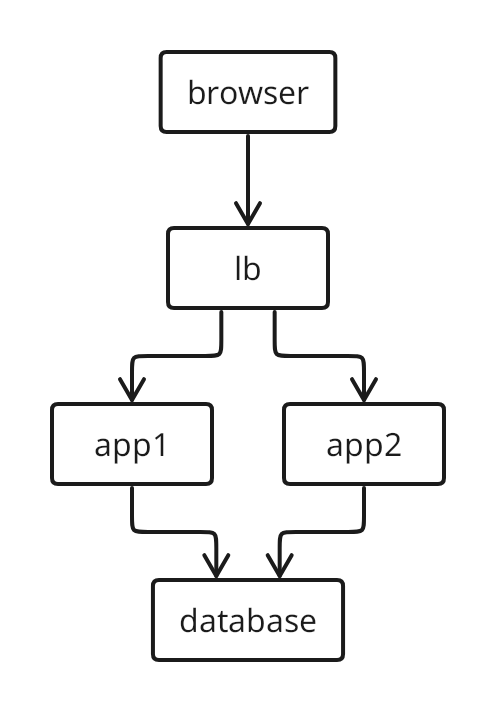
A little text. Automatic layout. A canvas for your finishing touches.
No account. Runs in your browser.
web -> api -> database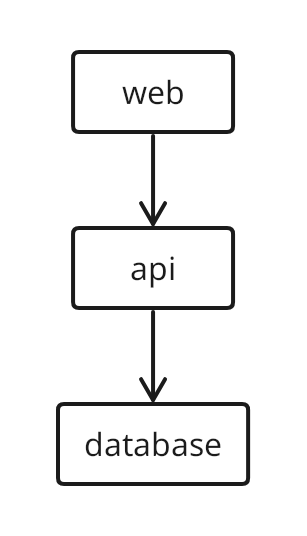
Small syntax. Serious diagrams.
Names and arrows. That is a diagram.
browser -> lb
lb -> app1 -> database
lb -> app2 -> databaseDecisions, labels and styles in a few lines.
draft -> review
review -> publish : Yes
review -> draft : No

review(diamond fill primary): Approved?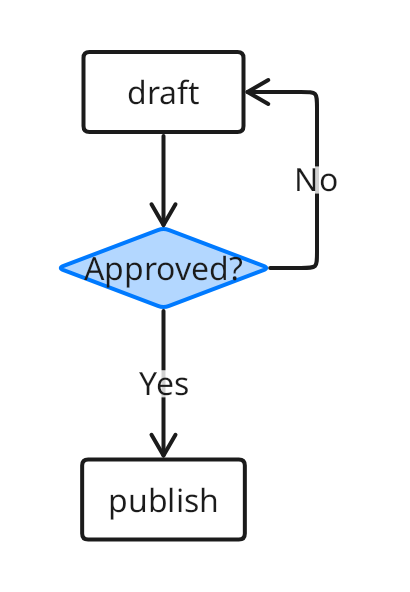
Group related nodes. Let the layout follow.
backend(fill info) { api -> worker }
web -> backend.api
backend.worker -> database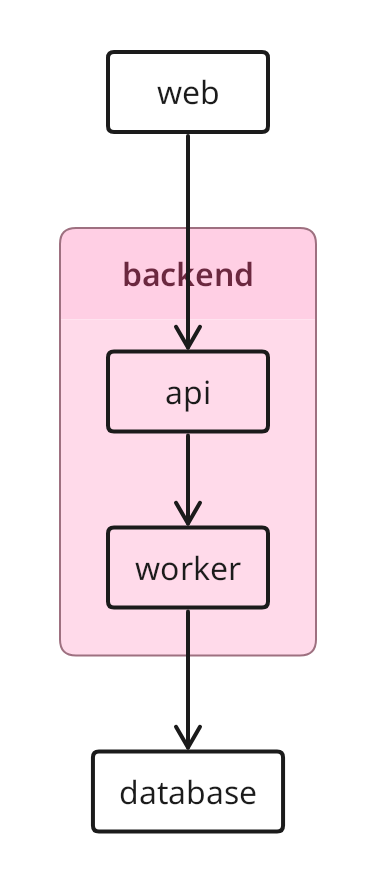
From generated to yours
Write it yourself or draft it with AI. Generate a diagram, then move shapes, edit labels and draw connections in DrawMotive.
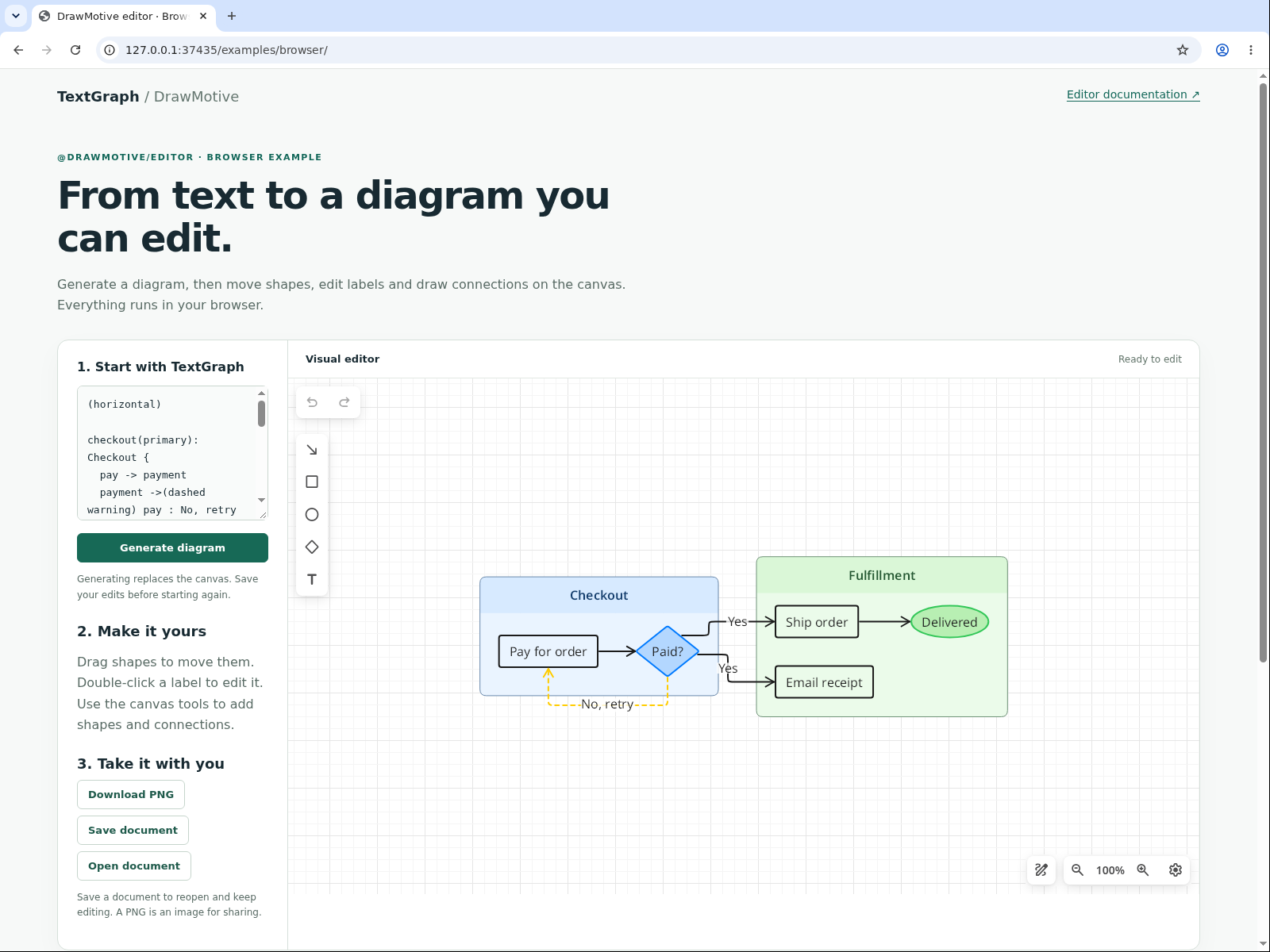
Save the document or an editable PNG to keep canvas changes. Generating again replaces the drawing; canvas edits do not rewrite TextGraph.
Where you already work
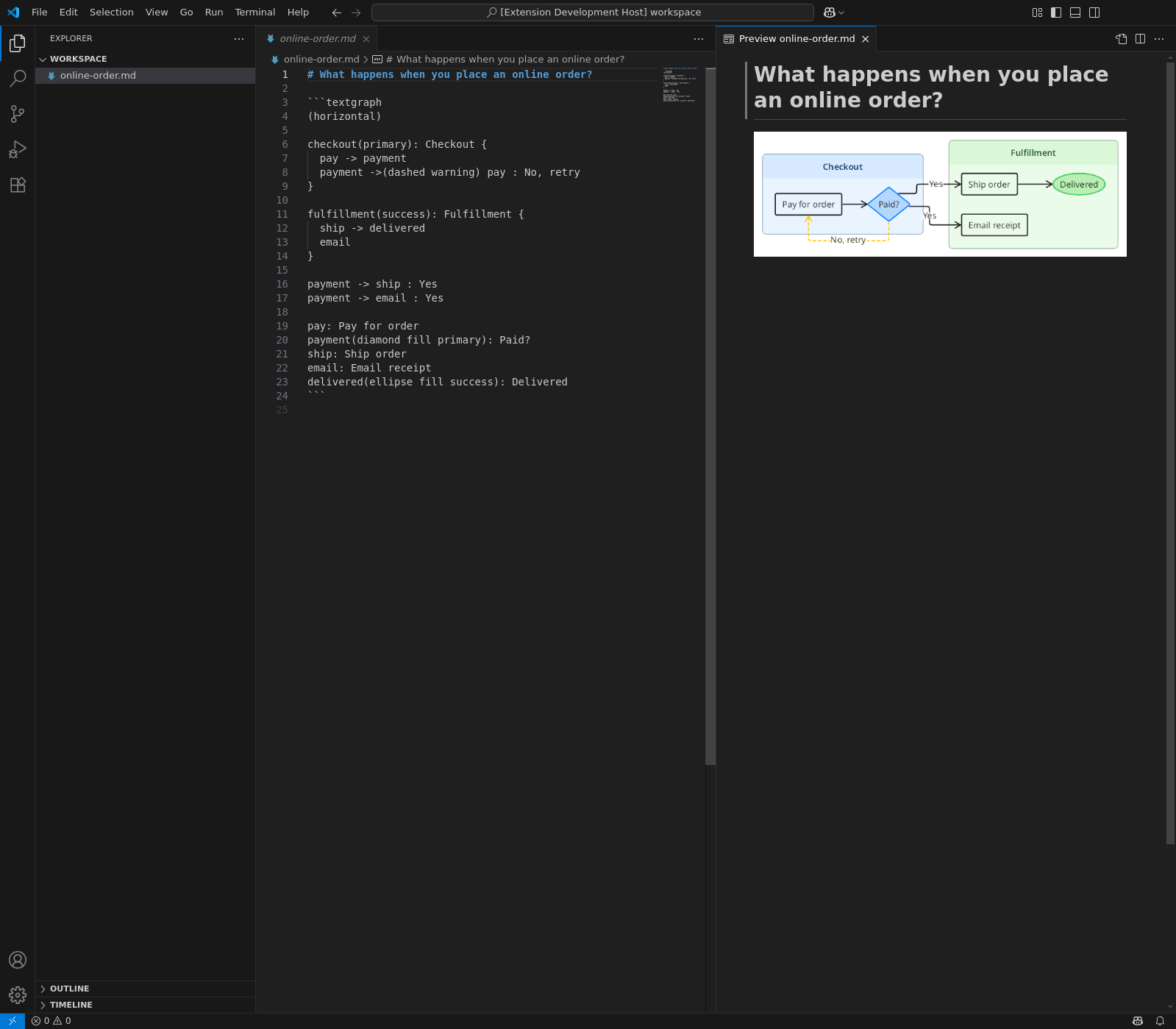
Preview TextGraph in Markdown, or edit a drawing in the visual editor.
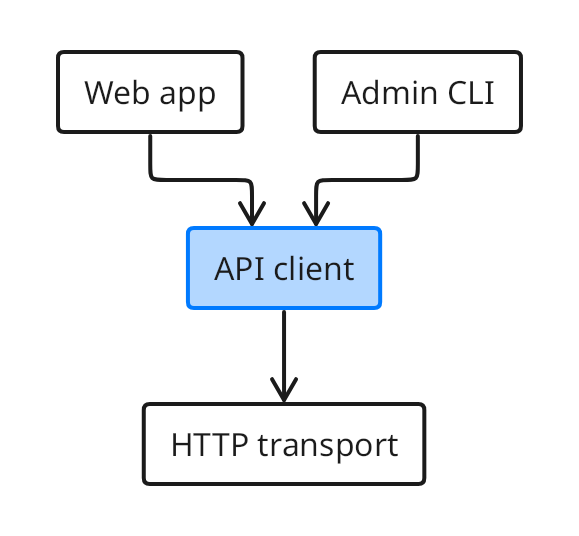
```textgraph
web -> client -> transport
cli -> client

web: Web app
cli: Admin CLI
client(fill primary): API client
transport: HTTP transport
```
Keep readable source in Git. Build real images into your documentation site.
Add to Markdown & VitePressOne engine. Your choice of delivery.
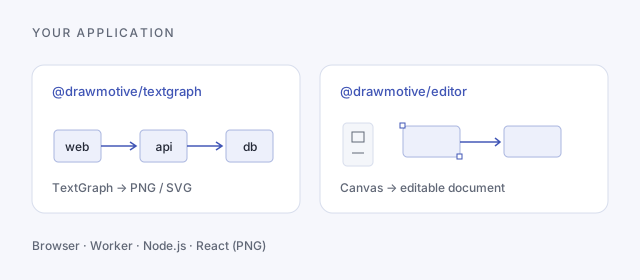
Render locally with the SDK, embed the visual editor, or serve PNG and SVG from your own Docker container.
npm · JavaScript / TypeScript
const graph = await initializeTextGraph();
const image = await graph.renderSvg('web -> api -> db');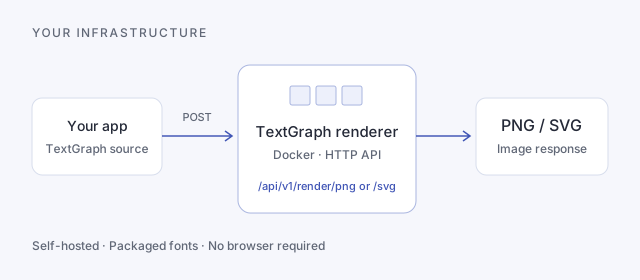
Docker · HTTP API
docker run --rm -p 8080:8080 \
  ghcr.io/drawmotive/textgraph-renderer:0.3.0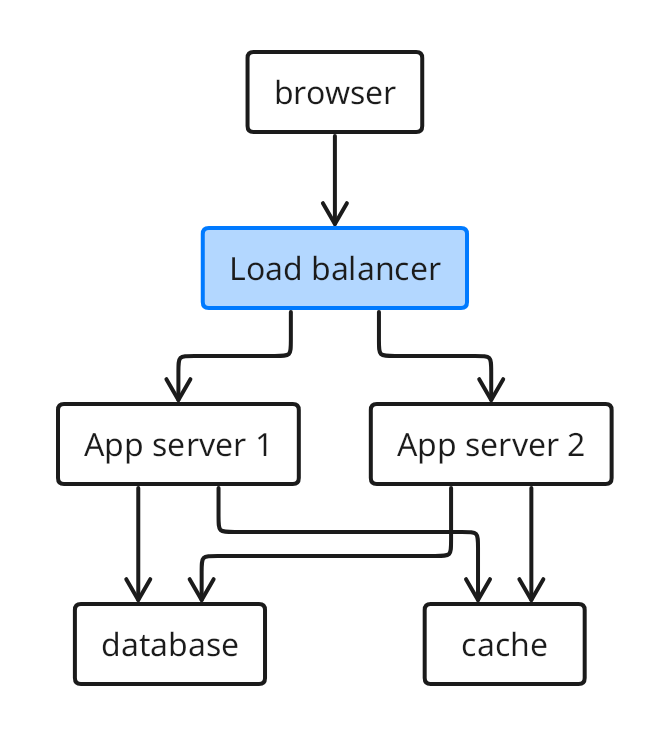
Yours to use. Yours to build on.
Personal projects, company work, commercial products and resale. MIT allows all of them, with no license fee. Keep the copyright and license notice.
Read the MIT licenseSite documentation is CC BY 4.0. Bundled fonts and dependencies retain their own licenses.
Open an example. Change a line. Make it yours.
TextGraph uses a small, structured syntax. Ask an AI assistant to draft it, then review the source and render it. Get the prompt and language references.